
A Turning Point in Google Tag Manager: Direct Access to GA4 Identity Data
A Turning Point in Google Tag Manager: Direct Access to GA4 Identity Data
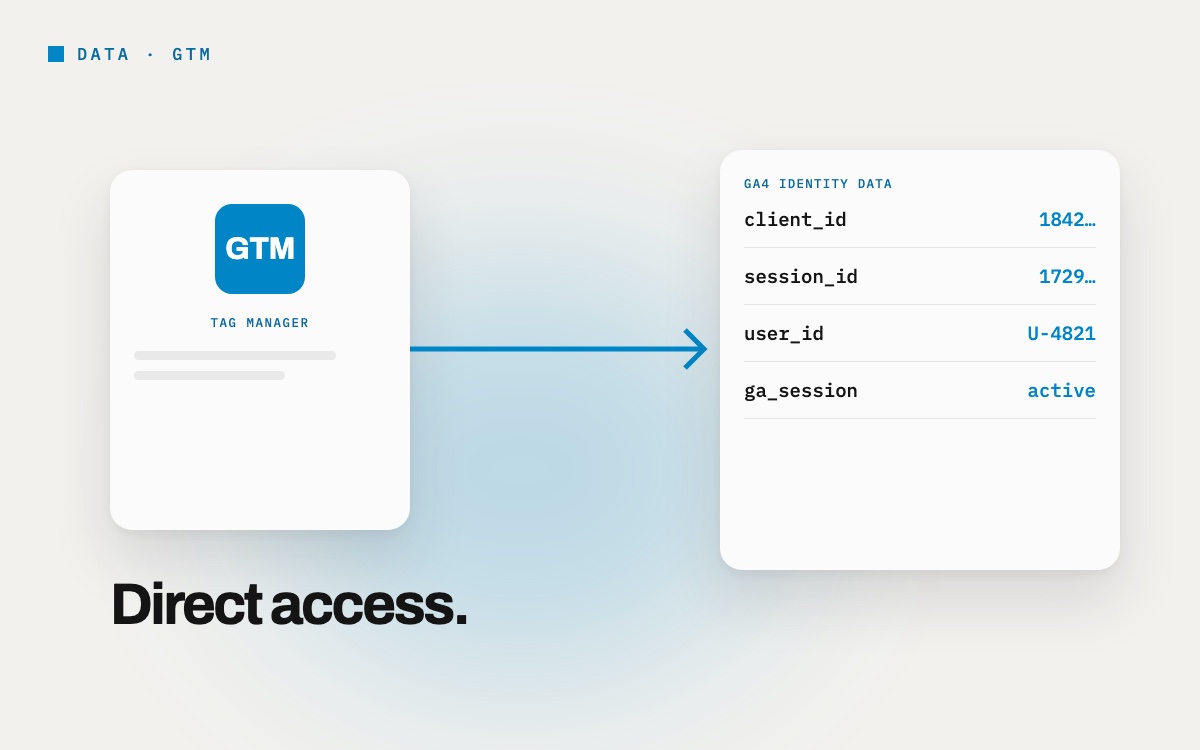
Google Tag Manager (GTM) has released an important update for professionals working on digital analytics and marketing integrations. Access to critical GA4 user and session data is now provided by GTM’s native capabilities instead of manual workarounds.
The update standardises data transfer processes that have long been managed with fragile Custom JavaScript code, significantly improving the reliability of the data flow.
The Strategic Benefits of the Update: Why Is It a Turning Point?
GA4’s core identity data, Client ID, Session ID and Session Number, is vital for Conversion API integrations, CRM data matching and advanced segmentation. Beyond technical convenience, the update brings these benefits to strategic business processes:
1. Greater Data Reliability
The Custom JavaScript code previously used to access this data was vulnerable to any change in GA4’s cookie structure. That carried the risk of the data flow breaking or incorrect data being collected.
Because the new Built-in Variables pull data directly through GTM’s secure APIs, they guarantee stable access that is independent of changes to Google’s infrastructure.
2. Faster, More Efficient Integrations
When critical identity data (such as Client ID) needs to be passed to third-party platforms (Meta, TikTok, etc.), analysts and developers can pull it instantly instead of spending time parsing cookies. This makes conversion APIs and server-side tagging faster and less error-prone to deploy, increasing the agility of marketing actions.
3. A Scalable Structure
In complex set-ups where several GA4 properties are managed, the newly added Analytics Storage variable type comes into play. By making clear which Measurement ID the data belongs to, it raises the standard of data isolation and management across analytics projects run for different properties.
What Are the New Built-in Variables?
To deliver these benefits, GTM has added three critical Built-in Variables to the Configuration area:
- Analytics Client ID: The user’s persistent, unique identifier.
- Analytics Session ID: The unique session identifier of the user’s current session.
- Analytics Session Number: Shows which session on the website this is for the user.
Things to Keep in Mind
For these variables to work properly, a Google Tag (gtag.js) must be running on the website. All set-ups using the standard GTM GA4 Configuration Tag meet this requirement by default.
By modernising how GA4 data is accessed, this GTM update lets analytics professionals build more reliable, standardized and easier-to-maintain integrations.
It is now possible to integrate core identity data into your marketing technology stack smoothly and safely, without the risk of custom code!
Let’s talk about this for your brand.
Write to us →